AI Enamel Pin Design: The Ultimate Guide to AI Prompts & Manufacturing (2026)
Master AI Enamel Pin Design with proven AI enamel pin prompts, a comparison of the best AI enamel pin generators, and practical advice on how to design enamel pins with AI that are truly manufacturable.
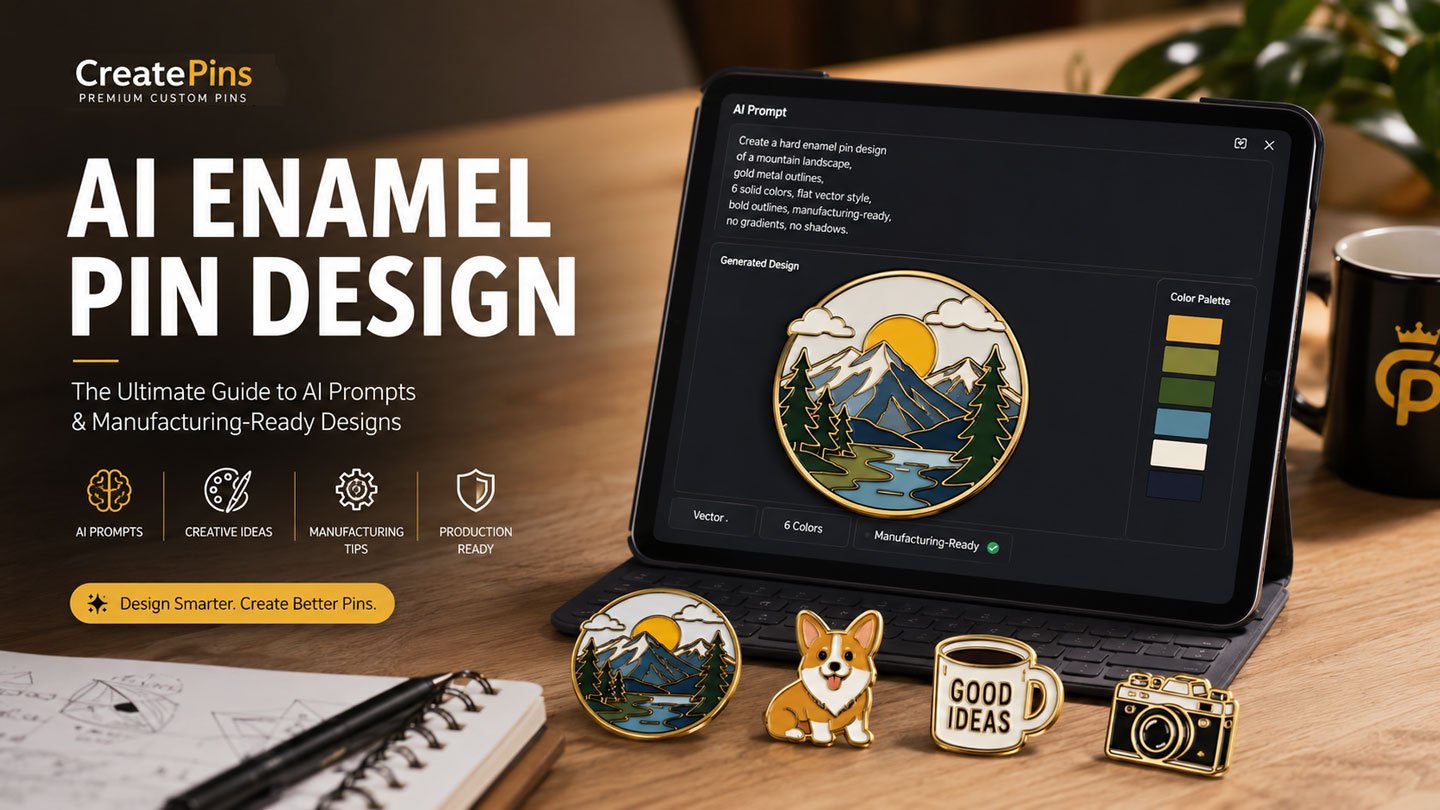
Table of Contents
- Why Use AI for Enamel Pin Design?
- Understanding How Enamel Pins Are Manufactured
- The Best AI Tools for Designing Enamel Pins
- The Anatomy of a Great AI Prompt
- The Ultimate Prompt Formula
- Choosing the Right Art Style
- Planning Colors
- Choosing Metal Finishes
- Hard Enamel vs. Soft Enamel: Which Fits Your AI Design?
- Why Negative Prompts Matter
- 10 Ready-to-Use Prompt Templates
- Before & After: Raw AI Art vs. Production-Ready Proof
- Common AI Design Mistakes
- Can AI Replace Professional Pin Designers?
- Frequently Asked Questions
- Final Thoughts
Artificial intelligence has changed the way artists, businesses, and creators develop new products. What once required hours of sketching and digital illustration can now begin with a simple text prompt. For enamel pin creators, AI opens exciting possibilities, and learning how to design enamel pins with AI is becoming an essential skill for anyone launching a Kickstarter campaign, expanding an Etsy shop, or creating convention collectibles.
However, there is one important reality every creator should understand: a beautiful AI-generated image is not automatically a manufacturable enamel pin. Most AI models are trained to create visually impressive illustrations rather than production-ready designs. They frequently include gradients, soft shadows, tiny decorative details, glowing effects, and complex textures that cannot be reproduced during the enamel pin manufacturing process.
Fortunately, with the right AI enamel pin prompts and prompting techniques, you can dramatically improve the quality of your AI-generated concepts and reduce the amount of redesign needed before production. This guide explains everything you need to know — from choosing the best AI enamel pin generator to writing professional prompts, avoiding common mistakes, and preparing artwork that manufacturers can turn into high-quality enamel pins.
Why Use AI for Enamel Pin Design?
AI is not here to replace artists — it’s a creative assistant that helps generate ideas faster. Some of the biggest advantages include:
- Generate multiple concepts in minutes
- Explore different compositions and styles
- Create mood boards for clients
- Quickly test color palettes
- Overcome creative blocks
- Produce inspiration before vector illustration
- Speed up brainstorming for Kickstarter campaigns
- Develop mascot concepts for businesses and events
Many successful creators use AI for the initial concept while relying on professional designers to prepare the final manufacturing files. If you’re weighing the two approaches, see our full breakdown of AI vs. Human: Who Is a Better Enamel Pin Designer?
Understanding How Enamel Pins Are Manufactured
Before writing prompts, it helps to understand how enamel pins are actually made. An enamel pin begins as a metal mold. The raised metal lines create the outlines that separate each enamel color. Liquid enamel is applied into the recessed areas before the pin is polished and finished.
Side view: metal walls physically separate every enamel color during casting.
Top view: thick gold metal walls fully enclose every color region.
Because of this process, every design must follow certain manufacturing rules:
- Every enamel color should be enclosed by metal
- Extremely thin lines may disappear during production
- Tiny text can become unreadable
- Gradients must usually be simplified into solid colors or printed using UV techniques
- Small decorative details may need to be enlarged or removed
- Large open areas often produce cleaner, more attractive pins
Keeping these limitations in mind when writing AI enamel pin prompts helps AI generate concepts that are much easier to manufacture. For a deeper dive into sizing and structural limits, see our Expert Size Guide and Production Expectations & Tolerances guide.
Not sure if your AI concept is manufacturable? Send it over and we’ll tell you for free.
Get a Custom Pin QuoteThe Best AI Tools for Designing Enamel Pins
Different AI image generators have different strengths. When you’re exploring AI enamel pin design, you’ll find that each tool offers unique advantages. Here’s how the most popular options compare for enamel pin concept work.
| Tool | Strengths | Watch Out For | Best For |
|---|---|---|---|
| ChatGPT Images | Excellent prompt understanding, easy iterative editing, beginner-friendly | Can still add unnecessary shading by default | First concepts & collaborative design |
| Midjourney | Beautiful compositions, creative interpretations, strong visual storytelling | Extra decorative details that need simplifying | Artistic inspiration |
| FLUX | Follows prompts literally, cleaner vector-style output | Less “artistic flair” than Midjourney | Graphic artwork & simplified illustrations |
| Ideogram | Strong with typography and logo-style artwork | Less ideal for painterly or organic styles | Brand mascots, badges, logo-inspired pins |
Many creators mix tools — one for early inspiration, another for cleaner line work — before handing the concept to a designer for final vectorization. Our guide to Best Online Tools for Enamel Pin Design Mockups covers additional options for visualizing the final product.
The Anatomy of a Great AI Prompt
Professional AI enamel pin prompts contain several key ingredients: subject, style, metal finish, enamel type, color count, composition, production notes, and a negative prompt. The difference between a vague prompt and a production-aware one is dramatic:
“Draw a fox.”
“Create a manufacturing-ready hard enamel pin of a smiling fox reading a book. Flat vector illustration with gold metal outlines, six solid enamel colors, centered composition, bold outlines, suitable for a 1.5-inch die-struck enamel pin. Plain white background. No gradients, shadows, glow, textures, or tiny details.”
The second prompt provides enough guidance for the AI to create artwork that is much closer to real-world production requirements. For file-type and export guidance once you have a concept you like, check Best File Formats for Custom Enamel Pins.
The Ultimate Prompt Formula
Use this repeatable template for any subject. It works with any AI enamel pin generator and ensures you cover all manufacturing constraints:
Download the Free Prompt Template Pack
The master formula, 10 ready-to-use AI enamel pin prompts, and a negative-prompt checklist in one file.
Choosing the Right Art Style
Selecting the right style changes the personality of your pin. As part of your AI pin design process, match the style to your target audience.
Kawaii
Perfect for artists, conventions, and gift shops. Keywords: rounded shapes, pastel colors, cute facial expression, bold outlines.
Anime & Chibi
Great for fandom merchandise. Keywords: cel shading, simplified hair, expressive eyes, bold line art.
Vintage Badge
Perfect for parks, breweries, outdoor brands, and travel souvenirs. Keywords: retro badge, muted palette, circular layout, classic typography.
Cartoon Mascot
Ideal for businesses, schools, sports clubs, and nonprofits. Keywords: friendly mascot, simple geometric forms, exaggerated expressions.
Minimalist
Excellent for logos and corporate branding. Keywords: geometric, flat design, limited colors, strong negative space.
Not sure yet?
Browse our 15 Enamel Pin Design Ideas That Always Sell for inspiration across styles.
Planning Colors
One of the biggest AI-prompting mistakes is asking for unlimited colors. Limiting colors encourages cleaner artwork and can help reduce manufacturing costs. This is a core lesson in how to design enamel pins with AI effectively.
| Pin Complexity | Recommended Colors | Good For |
|---|---|---|
| Simple | 4–6 | Icons, mascots, minimalist logos |
| Standard | 6–8 | Characters, badges, most fandom designs |
| Detailed | 8–10 | Landscapes, group scenes, large collector pieces |
For a full walkthrough of building a cohesive palette, see our Complete Color Palette Guide.
Choosing Metal Finishes
Your metal finish influences the overall appearance of the finished pin — mention your preferred finish directly in the prompt to help the AI visualize the final product.
| Plating | Look & Feel | Works Well With |
|---|---|---|
| Gold | Warm, premium, classic | Kawaii, floral, luxury branding |
| Silver | Cool, modern, versatile | Gaming, tech, minimalist logos |
| Black Nickel | Bold, moody, high-contrast | Fantasy, horror, streetwear |
| Rose Gold | Soft, trendy, feminine-leaning | Floral, kawaii, wedding & lifestyle pins |
| Antique Brass | Weathered, vintage, rustic | National park & travel badges |
| Antique Copper | Warm vintage tone, earthy | Outdoor brands, historical themes |
| Dye Black | Deep matte black, sleek | Bold graphic logos, gothic themes |
See our Beginner’s Guide to Enamel Pin Plating Colors for more on how each finish photographs and wears over time.
Curious what your finished design would cost across different finishes and color counts?
Try the Pricing EstimatorHard Enamel vs. Soft Enamel: Which Fits Your AI Design?
Once your AI concept is close to final, you’ll need to decide which enamel type it should become — this choice affects texture, cost, and how forgiving the manufacturing process is of small design imperfections.
| Hard Enamel | Soft Enamel | |
|---|---|---|
| Surface | Polished flat, smooth to the touch | Slightly recessed color, visible texture |
| Color vibrancy | Sharp, precise color separation | Bold, slightly textured color |
| Best for AI designs with | Fine detail, thin dividing lines, logos | Bold shapes, simpler color blocks |
| Typical cost | Slightly higher | Slightly lower |
| Production time | Slightly longer (extra polishing step) | Slightly faster |
Most AI-generated concepts with clean vector-style outlines translate beautifully to hard enamel, since the polishing step rewards crisp, well-separated color regions. For the full comparison, read Hard Enamel vs. Soft Enamel Pins: The Ultimate Guide.
Why Negative Prompts Matter
Negative prompts prevent AI from adding details that don’t translate well into enamel pins. Use a checklist like this in every prompt:
- No gradients
- No transparency
- No shadows
- No glow
- No realistic textures
- No watercolor
- No photo effects
- No tiny text
- No thin lines
- No floating color areas
Including these instructions consistently leads to much cleaner, more manufacturable results — a key part of mastering AI enamel pin prompts.
10 Ready-to-Use Prompt Templates
| Theme | Prompt |
|---|---|
| Cute Animal | A smiling corgi with a coffee mug, gold plating, six solid colors, kawaii vector style, thick outlines, centered composition, manufacturing-ready. |
| Space Theme | A cheerful astronaut cat floating with planets, silver plating, seven solid colors, flat vector illustration, bold outlines, no gradients. |
| Fantasy | A coiled dragon with emerald accents, black nickel plating, symmetrical layout, eight colors, clean line art, suitable for a 2-inch pin. |
| Halloween | A friendly ghost holding a pumpkin, orange and purple palette, gold plating, simple shapes, thick metal borders. |
| Christmas | A festive snowman wearing a scarf, six colors, silver plating, flat vector style, bold outlines. |
| Coffee Shop | A smiling coffee cup mascot, minimalist design, warm color palette, factory-ready layout. |
| National Park | Mountain landscape, pine trees, rising sun, retro badge composition, antique brass finish. |
| Gaming | Retro game controller with pixel-inspired styling, bold outlines, six solid colors, black nickel finish. |
| Floral | A blooming sunflower with leaves, gold plating, limited color palette, symmetrical composition. |
| Corporate | A modern geometric logo badge, minimalist style, silver plating, flat vector artwork, clean negative space. |
Want these as a copy-paste file instead of a table? Grab the plain-text template pack above.
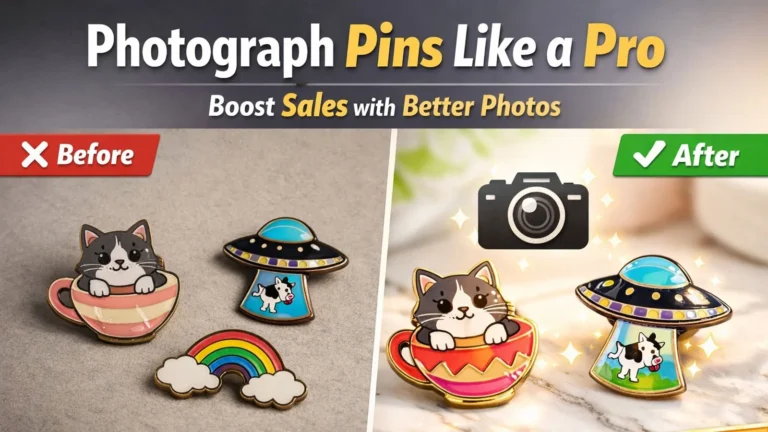
Before & After: Raw AI Art vs. Production-Ready Proof
Here’s what typically has to change between an AI’s first draft and a proof a factory can actually cast. Understanding this gap is essential for anyone learning how to design enamel pins with AI.
- Soft gradients & glow, not solid fills
- Hairline whisker details too thin to cast
- No visible metal border to hold colors
- Fine speckle texture in the background
- Flat, solid enamel colors only
- Thick gold metal borders enclose every area
- Facial details enlarged to survive casting
- Plain background, ready for a 1.5-inch die
This kind of cleanup — separating colors, thickening borders, and removing anything the mold can’t hold — is exactly what a production team does before your design goes to manufacturing.
Common AI Design Mistakes
Too many colors
Drives up cost and muddies the final look.
Overly detailed backgrounds
Backgrounds should stay plain and simple.
Tiny decorative elements
Small details often disappear during casting.
Hairline outlines
Thin lines may not survive the molding process.
Floating colors
Every color area needs a metal border to hold it.
Transparent effects
Standard enamel can’t replicate transparency.
Photorealistic rendering
Doesn’t translate to a flat manufactured object.
Decorative lighting
Glow and lens-flare effects can’t be cast in metal.
Simpler artwork almost always produces better enamel pins. See real examples of what can go wrong in Common Enamel Pin Defects & How CreatePins Prevent Them and The Biggest Enamel Pin Design Mistakes That Ruin Everything.
Can AI Replace Professional Pin Designers?
AI is an excellent brainstorming partner, but it cannot yet replace the technical work required to prepare manufacturing files. A production-ready design still needs vector line art, metal line adjustments, color separation, minimum line width checks, text readability verification, attachment placement, size optimization, and a manufacturing proof review. Even the best AI enamel pin generator cannot fully automate these steps.
Professional designers ensure your concept can be produced accurately and consistently. Learn more in How to Convert AI Artwork into Enamel Pins and Common AI Enamel Pin Mistakes: How to Fix Them.
Let our design team turn your AI concept into a manufacturing-ready proof.
Explore Design ServicesFrequently Asked Questions
Can AI generate production-ready vector files?
Not reliably. Most AI tools generate raster images that require professional refinement — vectorization, color separation, and border adjustments — before manufacturing. That’s why understanding how to design enamel pins with AI also means knowing when to bring in a human expert.
Which AI enamel pin generator is best?
There is no single best option. ChatGPT Images is excellent for iterative concept development, Midjourney excels at artistic inspiration, FLUX often produces cleaner graphic illustrations, and Ideogram is useful for logo-style designs. Try a few to see which fits your AI pin design workflow.
Can I use gradients in enamel pins?
Traditional hard and soft enamel pins use solid color fills. Gradient effects generally require UV printing or other specialty processes instead.
How many colors should my design use?
Most designs work well with 4–8 colors. Larger or more detailed pins may use additional colors, but simplicity often leads to a cleaner finished product.
Do I need to know which enamel type I want before designing with AI?
No — you can decide between hard and soft enamel after your concept is finalized. Clean, well-separated color regions from your AI concept work well for either type.
Final Thoughts
AI has made enamel pin design more accessible than ever. By combining clear AI enamel pin prompts with an understanding of manufacturing requirements, you can generate creative concepts that are far closer to production-ready artwork. Remember that AI is the beginning of the design journey — not the end. The best results come from pairing AI-generated ideas with professional design review and manufacturing expertise. At CreatePins, our design team can transform your AI artwork into a production-ready proof by refining metal borders, simplifying complex details, optimizing color separation, and ensuring the design is ready for manufacturing.
Ready to Turn Your AI Concept into a Real Pin?
Get a free quote, estimate your cost, or talk to our design team about refining your artwork for production.
Want More Than Just Custom Pins?
Discover Raoin.com — your one-stop partner for custom products like tote bags, lanyards, patches, and more.